




3DLiveVue
3D Live VUE: create 3D photos in real time
● Live — real-time operation: the result is ready seconds after shooting.
● VUE (Virtual User Environment) — a virtual environment with themed scenes for photo decoration.
Purpose
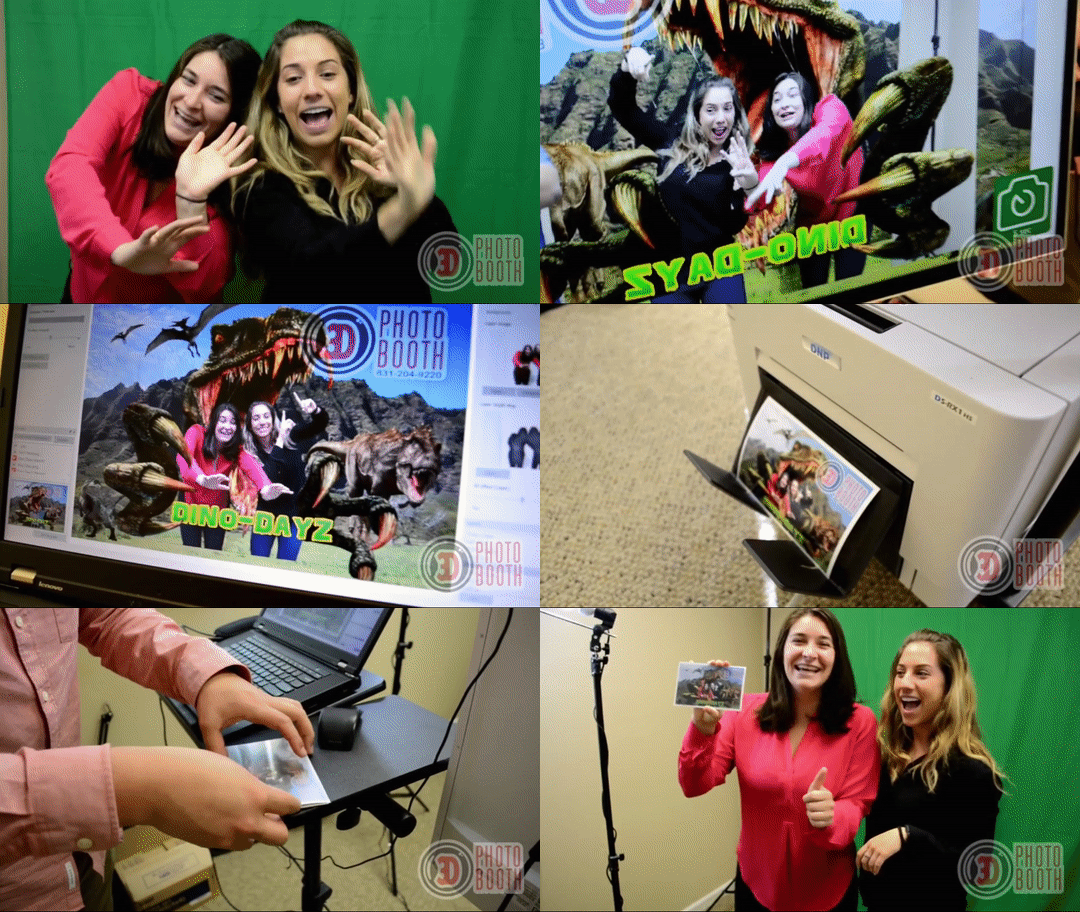
A program for commercial photographers working at holidays, festivals, zoos, tourist sites, and other public places.
 |
 |
What 3D Live VUE can do
1. Quickly place clients’ photos into themed templates.
Create design templates: backgrounds, captions, logos, and depth effects.
2. Automatically remove the background from a photo — even without a green screen.
The program builds a depth map using AI and extracts the subject from any background.
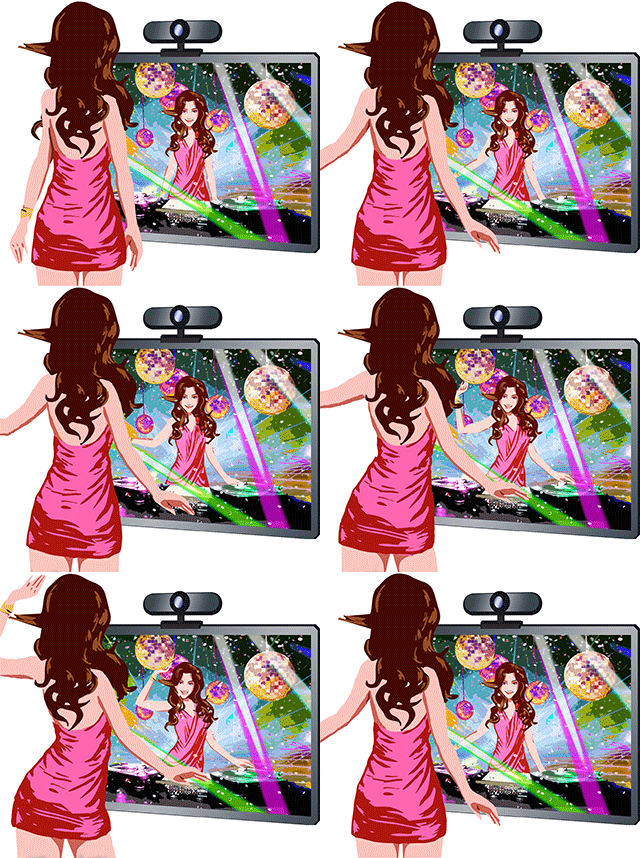
3. Create a 3D effect based on portrait analysis.
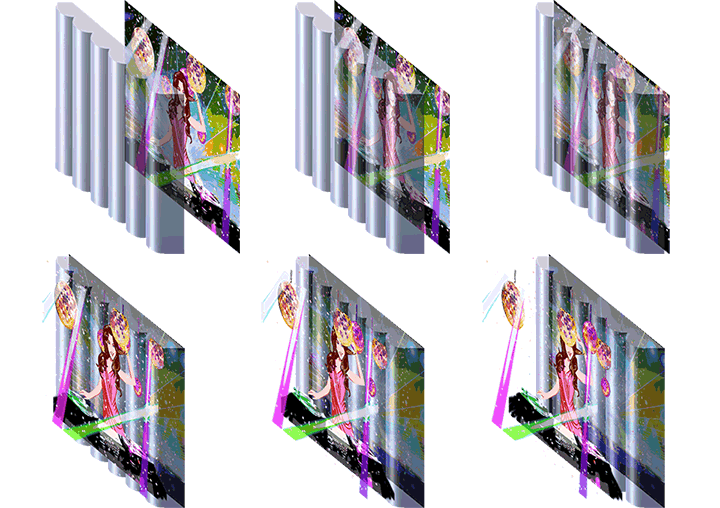
AI calculates perspective and volume for a realistic result.
4. Deliver the result in two formats:
○ Lenticular 3D photos — printed pictures with a volumetric effect (holographic photos — 3D light field).
○ Lenticular flip photos — printed pictures with an image-changing effect.
○ Animated GIF files — digital 3D and flip images delivered to the client via QR code. They can be shared on social media and messengers.
How it works
 |
 |
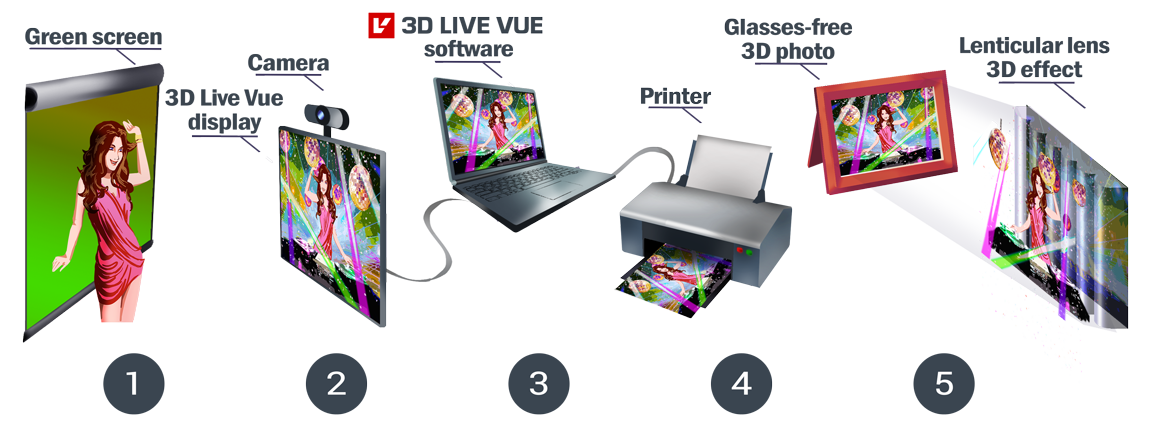
1. Take a photo of the client (on any background).
2. Upload the photo to 3D Live VUE.
3. Choose a template from a pre‑built library (themed backgrounds, logos, design elements).
4. Get a finished 3D image in a few seconds.
5. Offer the client a choice:
○ print a lenticular 3D or flip photo;
○ receive an animated GIF via QR code.
Benefits for the photographer
● Reduced post‑processing time
● Expanded service package (physical and digital souvenirs)
● Increased appeal of the offering at events
● A simple way to add a digital option to traditional photography services
Use 3D Live VUE — offer clients a modern format of memories.
Use cases videos & guides
3D Live Vue software at a photo booth
How to compose virtual scene for 3D Live Vue software
Аuto turn contour drawings into 3D scenes
Using Dye-Sublimation Lenticular printing with cardboard easel frames
A short demonstration of using a consumer-grade dye-sublimation printer to make lenticular prints. No lamination is required. This is a nice solution for a photo hobbyist.
Printer: Canon Selphy Printer
Lenticular: 4×6 (10.2×15.2 cm) Event Photo Souvenir Frames


